
Commando

Commando
Commando puts your terminal workflows on standby in the menu bar.
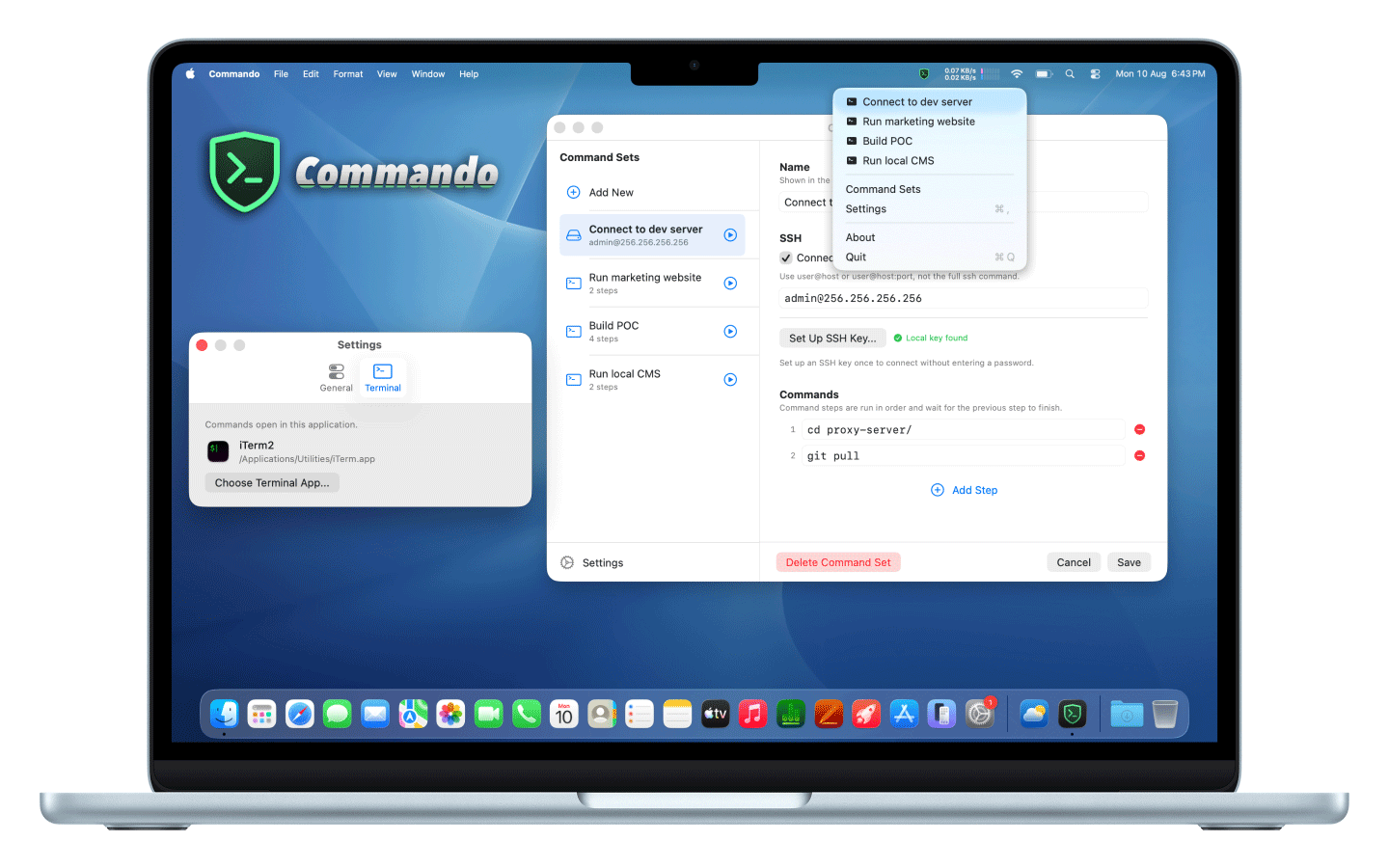
Save multi-step terminal commands as Command Sets, and run parallel sessions with one click from the menu bar. Commando opens your terminal and executes each session's steps in order.
Commando is the perfect utility for developers and power users who run the same terminal commands regularly and want them one click away.
Features
Menu bar launcher for saved Command Sets
Create multi-step command sequences (local & remote) that run sequentially on your Mac
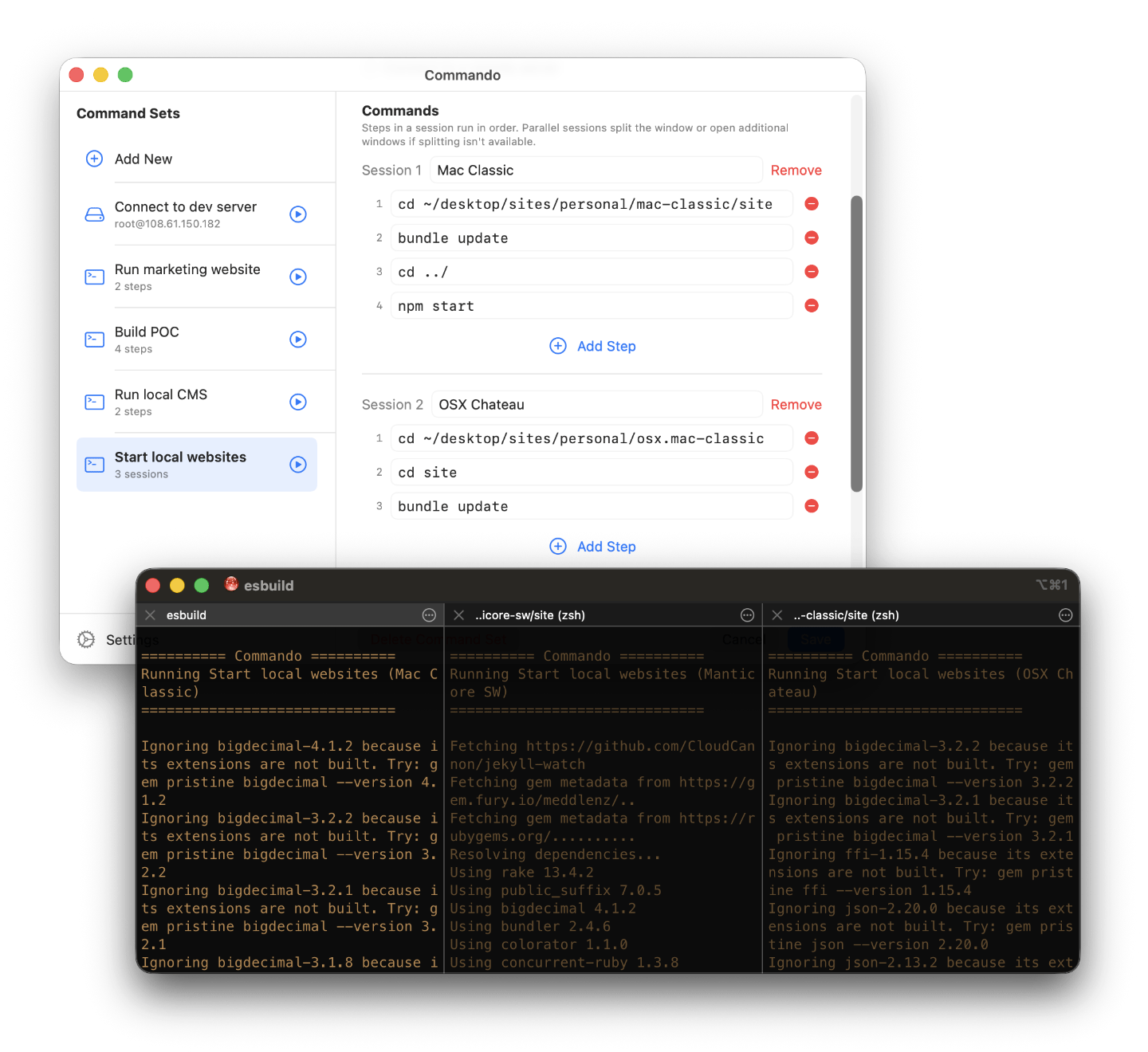
Run parallel sessions for complex workflows
SSH support
Compatibility with Terminal, iTerm, Ghostty, and Warp
Custom menu bar icons
iCloud syncing
Complex workflows in parallel sessions
Requirements
macOS 11 or later
A terminal application
Purchase Commando
Commando is free, but purchasing a license unlocks full functionality. A Commando license costs $10USD.
Purchase a Commando License here
Notes
Commando runs commands in your terminal and does not replace your shell or terminal app. You stay in control of every command that is executed.
Download Commando

|
Commando 1.0.0Manticore Software
Commando lets you create and run multi-step terminal workflows from the menu bar |