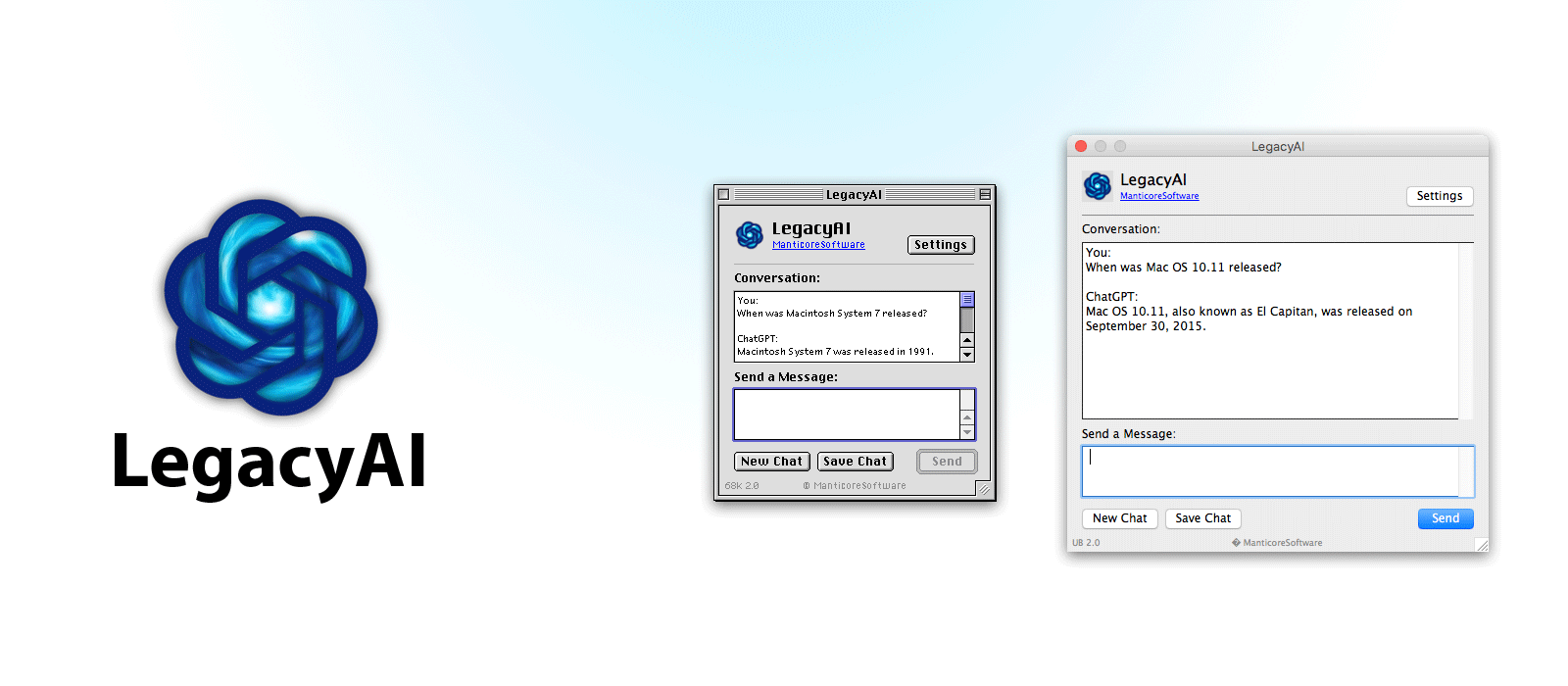
LegacyAI allows older Apple computers to interact with AI services like OpenAI's ChatGPT.
LegacyAI works across 15 different Mac systems, from System 7 to 10.11 (El Capitan). LegacyAI has allowed Macintosh computers from 1988 and onwards to communicate with ChatGPT, even before iOS had an official app for it.
For a custom experience or non-ChatGPT usage, you can configure the application to use a proxy server or connect to a local or custom AI service.
Features:
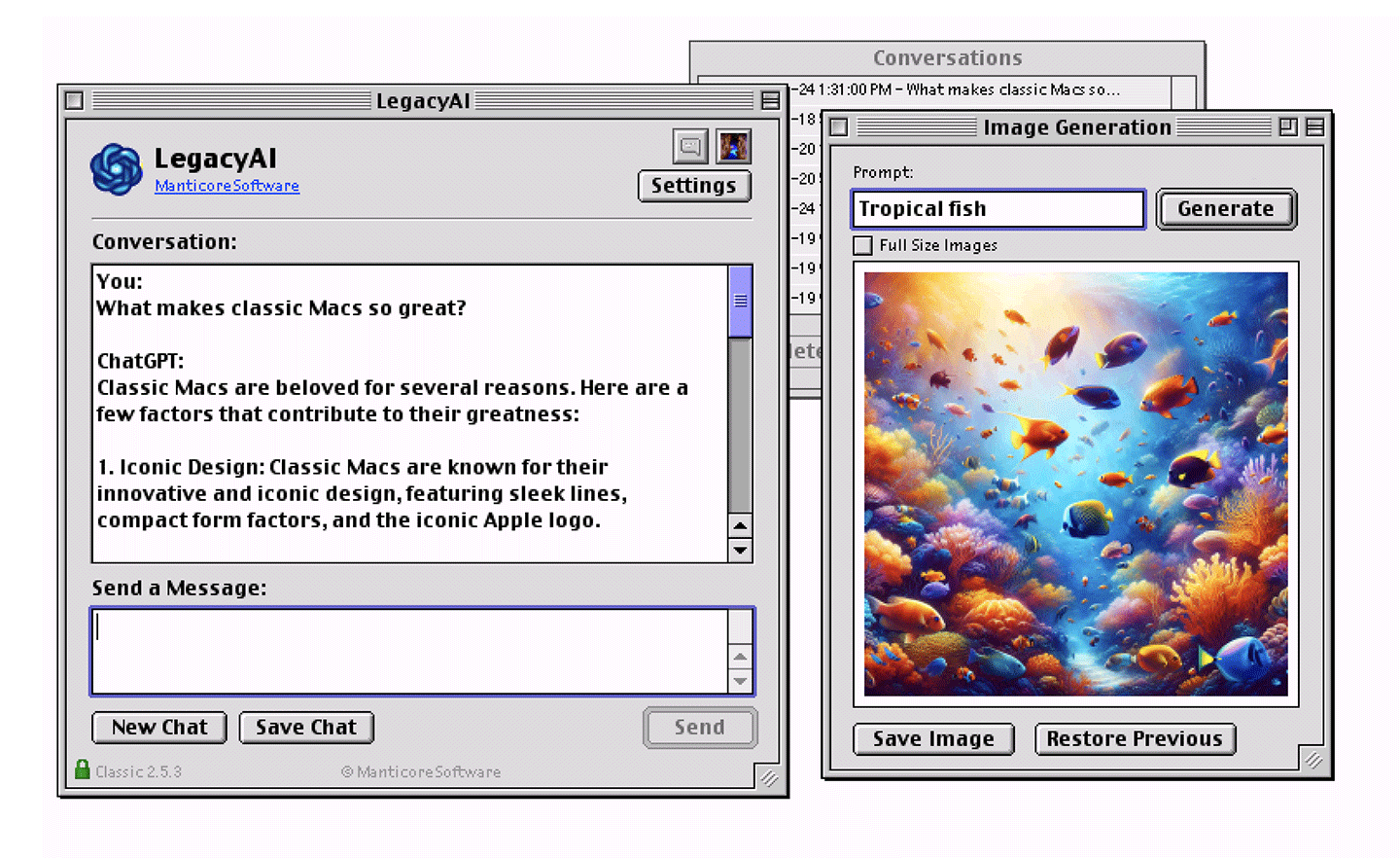
Converse with OpenAI's ChatGPT models on Mac OS 7 - 10.11 (El Capitan)
DALL-E Image generation
Save, load and view previous conversations
HTTPS support
Optionally use your own proxy server for further customisation, or to use LegacyAI with other AI platforms (Claude etc.)
Customisable preferences
Free to use but API access is dependent on donations
Minimum Requirements:
A Macintosh computer running Mac OS 7 - 10.11 (El Capitan)
A Motorola 68020, PowerPC, or Intel CPU
At least 2MB Ram
2MB Disk Space
Notes:
Running costs
While LegacyAI is completely free to use, it is dependent on funding for API use and proxy server running costs. If you find LegacyAI useful and are in a position to donate, please do so here.
To unlock additional features and advanced AI models, you can purchase a license to help support the project.
If you'd like to support the project with a small monthly donation, you can sign up to a subscription.
Security
Any transmissions made on the 68k build are insecure due to System 7 - Mac OS 9 being released before HTTPS was an internet standard. Please ensure you understand this and do not use LegacyAI (68k) for sensitive subjects.
68k Users
LegacyAI also requires - MacinTalk 3 (specifically the "MacinTalk 3" extension and "Voices" folder within your system folder), and Open Transport to be installed.
Special Thanks
Special thanks to Alex Robb for some tips while building this!
Bug/Feature Tracker
Download LegacyAI

|
LegacyAI (68k) 2.5.4 (Macintosh System 7 - Mac OS 8.6)Manticore Software
LegacyAI is 68k is built for Macintosh computers with a Motorola 68020 CPU or newer. It is not compatible with older CPUs. |


|
LegacyAI (Classic) 2.5.4 (Mac OS 8.1 - Mac OS 9)Manticore Software
LegacyAI PPC supports Macintosh computers running Mac OS 8.1 - Mac OS 9.2.2 |

|
LegacyAI (PPC X) 2.5.4 (Mac OS X 10.0 - Mac OS X 10.3)Manticore Software
LegacyAI PPC X supports PowerPC Macs running Mac OS X 10.0 (Cheetah) - 10.3 (Panther) |

|
LegacyAI (Universal Binary) 2.5.4 (Mac OS X 10.4 - Mac OS X 10.11 El Capitan)Manticore Software
The Universal Binary supports both PowerPC and Intel Macs from system 10.4 (TIger) - 10.11 (El Capitan) |